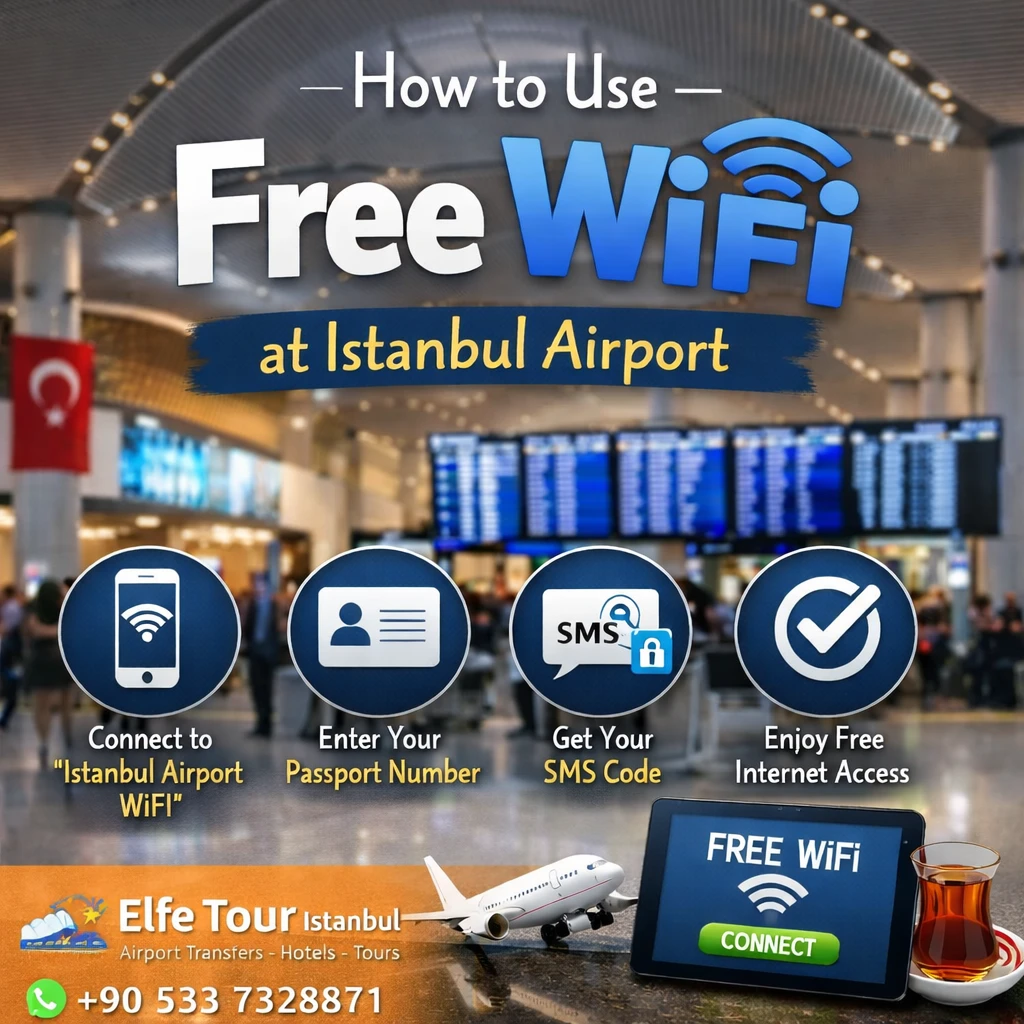
How to Use Free WiFi at Istanbul Airport (IST)
Yes, free WiFi is available at Istanbul Airport! Here’s how to use it:
Option 1: IGA Free WiFi (General Travelers)
WiFi Network Name: IGA WiFi or IstanbulAirportTurkTelekomFree
How to connect:
- Connect to the WiFi network on your device.
- A portal page will open automatically.
- Choose one of these login methods:
- SMS Login: Enter your phone number (without country code), receive a code via SMS, and enter it to connect.
- Passport Login: Use one of the many WiFi kiosks at the airport. Scan your passport to receive an access code, then enter it into the WiFi portal.
Free Access Duration: 1 hour (you can buy more time if needed).
✅ Option 2: TK WiFi (Turkish Airlines Passengers)
WiFi Network Name: TK WiFi
Who can use it:
- Passengers flying with Turkish Airlines, especially Miles&Smiles members.
How to connect:
- Select the “TK WiFi” network.
- Enter your Miles&Smiles account, ticket number, or seat info.
- Enjoy unlimited free internet during your time at the airport.
Tips:
- SMS login may not work with some international phone numbers. Use the passport kiosk for a smoother experience.
- WiFi kiosks are located throughout the airport – near gates, lounges, and terminals.
- After 1 hour on IGA WiFi, you can purchase extra access time online or at kiosks.
- TK WiFi is unlimited if you’re flying with Turkish Airlines and have the required info.
Need help at the airport? Call the support line: +90 444 01 45
Disclaimer:
This information is for general guidance only and is not directly affiliated with or provided by our travel agency. All details regarding Istanbul Airport services (such as free WiFi, and passenger facilities) are sourced from the official Istanbul Airport website. We do not assume any responsibility for changes, availability, or the accuracy of the services mentioned.


